
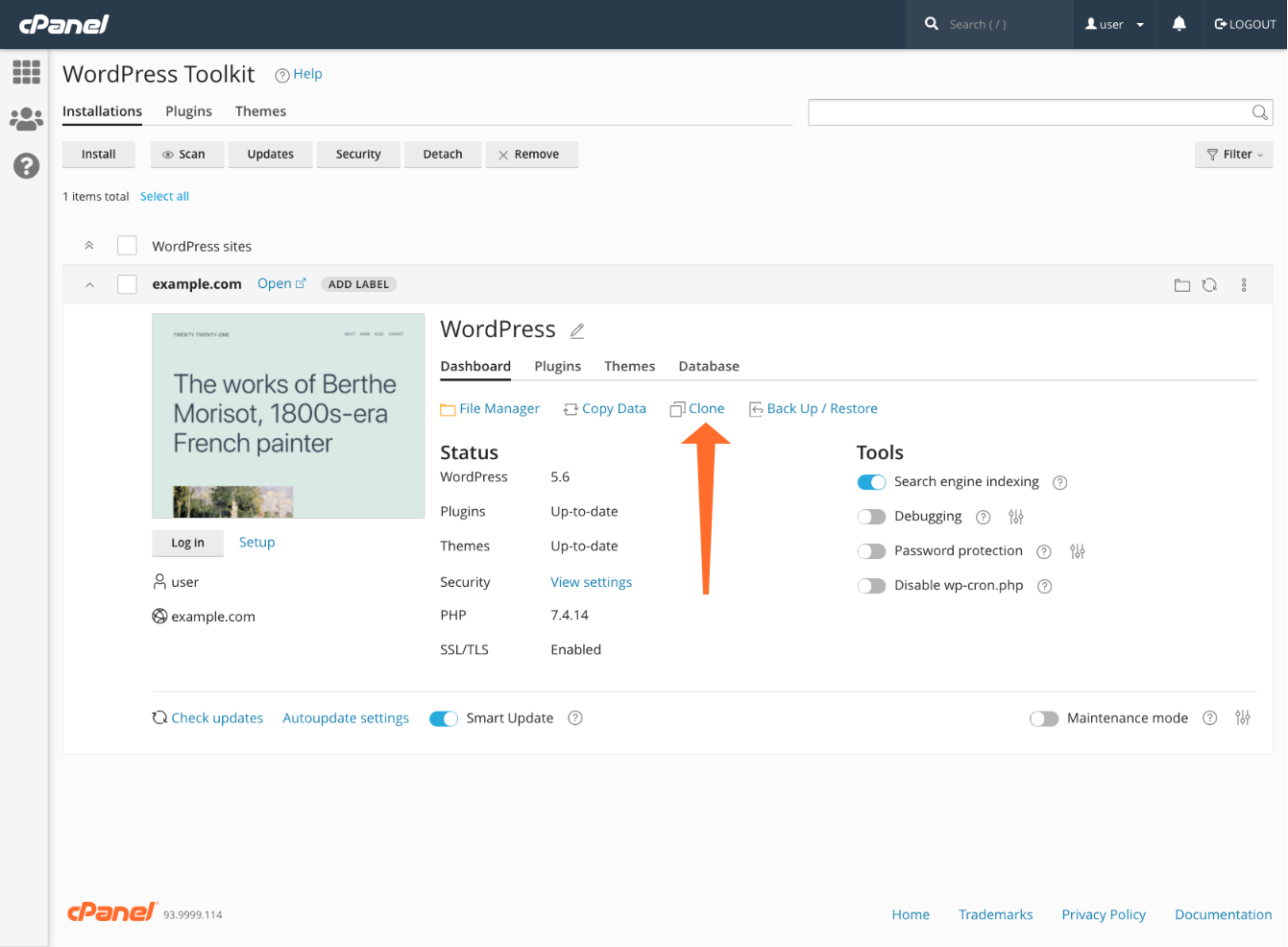
A staging environment is one of the essential features to look for in a WordPress hosting service.
It allows you to test updates and changes to your site’s code, theme, plugins and whatnot in a clone version of your site without affecting the live production site. You can then either discard the changes or push them to the live site.
If you are going to use cPanel hosting, there are two tools that enable you to create a staging site for WordPress: Softaculous and WordPress Toolkit (or WP Toolkit).
Both of these tools come with additional features like automated WordPress installation and various site management settings.
WP Toolkit is a native tool in cPanel, but it’s relatively new and not all hosts offer it.
Softaculous is a third-party tool that comes integrated into cPanel, but again, not all providers offer this one either.
It’s not hard to find a shared cPanel hosting service that includes at least one of these tools. Both of them will get the job done in an easy way.
You can learn more about how staging works in Softaculous (see this guide) and WP Toolkit (see this guide).
Leave a Reply